Locations > Arizona > Phoenix > WiFi Access Point Installation
WiFi Access Point Installation in Phoenix, AZ
★ ★ ★ ★ ★ Rated 4.9/5 from 28 reviews | Local, insured technicians
Phoenix Wireless Network Installation and Better WiFi Coverage
TekDash installs wired WiFi access points and wireless network upgrades for Phoenix homes and businesses. We plan access point placement, run Ethernet backhaul and PoE cabling, mount compatible equipment, organize connections, and validate coverage for offices, retail spaces, warehouses, home offices, meeting rooms, living areas, and connected devices.
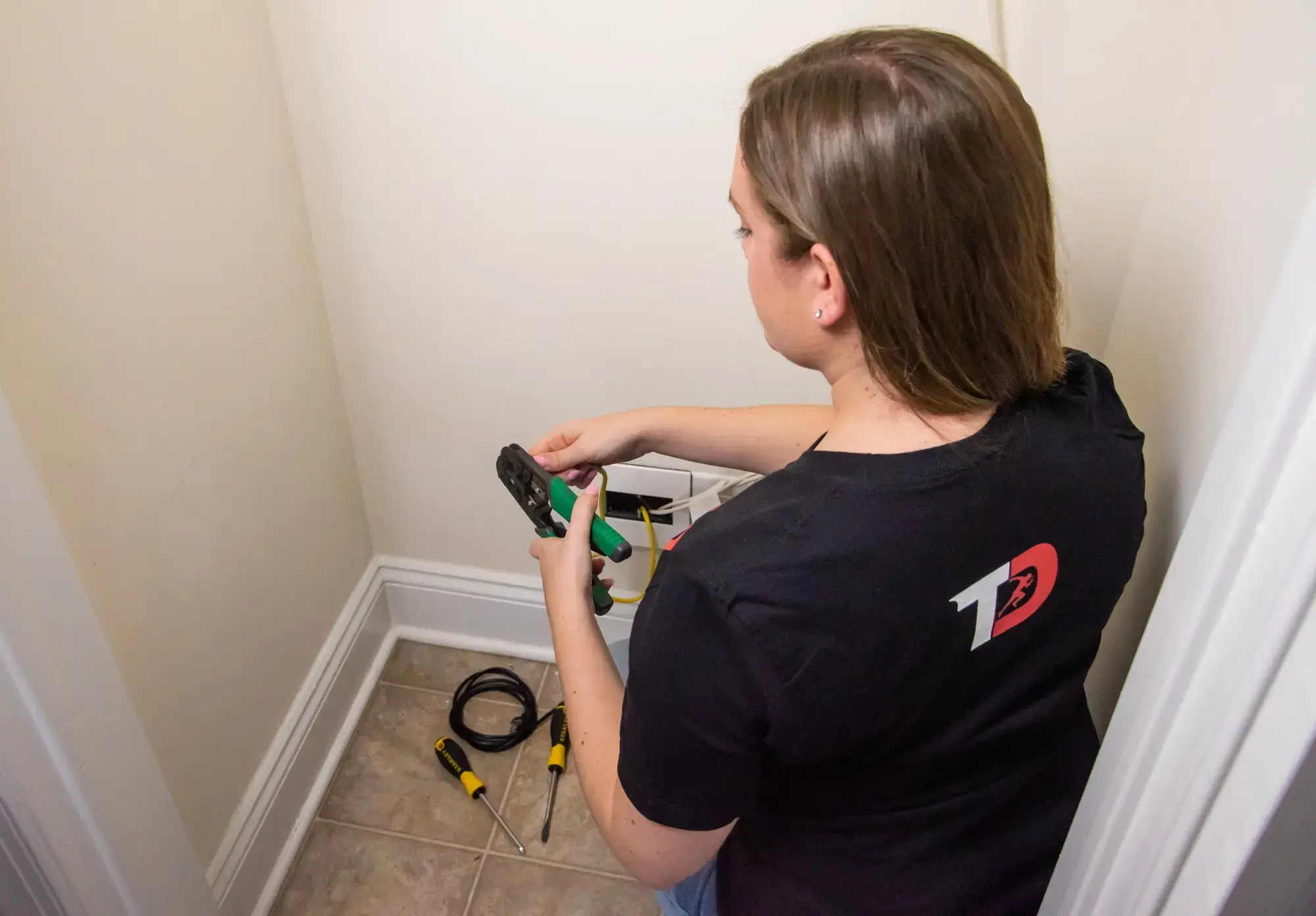
How Phoenix WiFi Access Point Installation Works
-
1. Assess Coverage and Device Needs
-
2. Approve the WiFi Installation Plan
-
3. Install, Connect and Validate
Map Coverage Gaps and Access Point Locations
We review the rooms, work areas, device density, existing network equipment, building layout, and current WiFi problems to identify practical access point locations.Walkthrough focus:
Coverage goals, mounting locations, cable routes, and available network equipment.
Receive an Access Point and Cabling Plan
The scope defines access point locations, Ethernet backhaul, PoE requirements, mounting, equipment responsibilities, configuration work, validation, and expected schedule.Before work starts:
You receive a clear project-specific quote.
Install and Validate the WiFi Access Points
Our technicians run the agreed Ethernet backhaul, mount compatible access points, organize PoE connections, complete included setup, and check coverage before handoff.At handoff:
We review access point locations and connection results with you.
What Arizona Customers Say About TekDash
"I’d been struggling with unreliable internet for weeks, and TekDash sent Jason out to my home in Phoenix. He explained everything clearly, solved each issue quickly, and was professional the entire time. The whole process was smooth and stress-free. I’ll absolutely call TekDash again for any future tech help in Arizona!"
"Elena took care of my network installation project in Scottsdale, and I couldn’t be happier. She stayed focused, made sure everything was finished on time, and delivered a clean setup. Her professionalism was impressive—I’d recommend TekDash to anyone in Arizona looking for dependable WiFi and network services."
"Working with Omar was fantastic. He installed exactly what we needed in our Tucson office, and everything worked perfectly the first time. I’m thrilled with the results and grateful to TekDash for making the installation process so easy."
"The response time was quick, the technician was courteous, and the problem was resolved correctly on the first visit. The pricing was fair, and the service exceeded my expectations. I’ll definitely use TekDash again and recommend them to anyone in Arizona who needs professional WiFi or network installation."
Wireless Network Installation in Phoenix
For wireless network installation in Phoenix, AZ, this WiFi access point service is the right starting point when coverage, roaming, or device capacity is the problem. TekDash plans and installs wired WiFi access points for offices, retail spaces, warehouses, multifamily properties, home offices, and other high-use areas where a single router or random mesh node is not enough.
1. Coverage plan
Place APs where devices actually work
TekDash maps rooms, walls, device density, and problem areas before choosing ceiling or wall access point locations.
2. Wired backhaul
Use cable behind the wireless network
Ethernet backhaul and PoE cabling help access points deliver steadier coverage than wireless-only repeaters.
3. Validation
Confirm the agreed coverage areas
After installation, TekDash checks access point connections and reviews coverage in the spaces included in scope.
Most reliable wireless networks are built from two parts: well-placed access points people see, and clean network cabling people do not. If the job is mainly Ethernet wall jacks, structured cabling, or low-voltage device wiring, the related Phoenix services below cover that wired foundation. If the goal is better WiFi coverage, guest access, roaming, or business wireless network performance, this page should remain the primary service path.
Planned Access Point Placement
Place access points around the building layout, device density, coverage goals, and practical mounting locations.
Ethernet Backhaul Cabling
Run dependable data cabling between compatible access points and the network equipment that supports them.
PoE Access Point Connections
Organize compatible power over Ethernet connections so access points can receive data and power through one cable.
Ceiling and Wall Mounting
Mount compatible access points neatly in agreed ceiling or wall locations selected for coverage and appearance.
Coverage for High-Use Areas
Plan wireless coverage for workspaces, meeting rooms, living areas, and other places where devices are used most.
Clear Equipment Responsibilities
Define access points, network equipment, cabling, configuration work, and pricing before installation begins.
Insured Installation Technicians
Your installation is completed by insured professionals who protect the property and follow the approved plan.
Coverage Validation at Handoff
Review installed access point connections and coverage across the agreed areas before the project is complete.
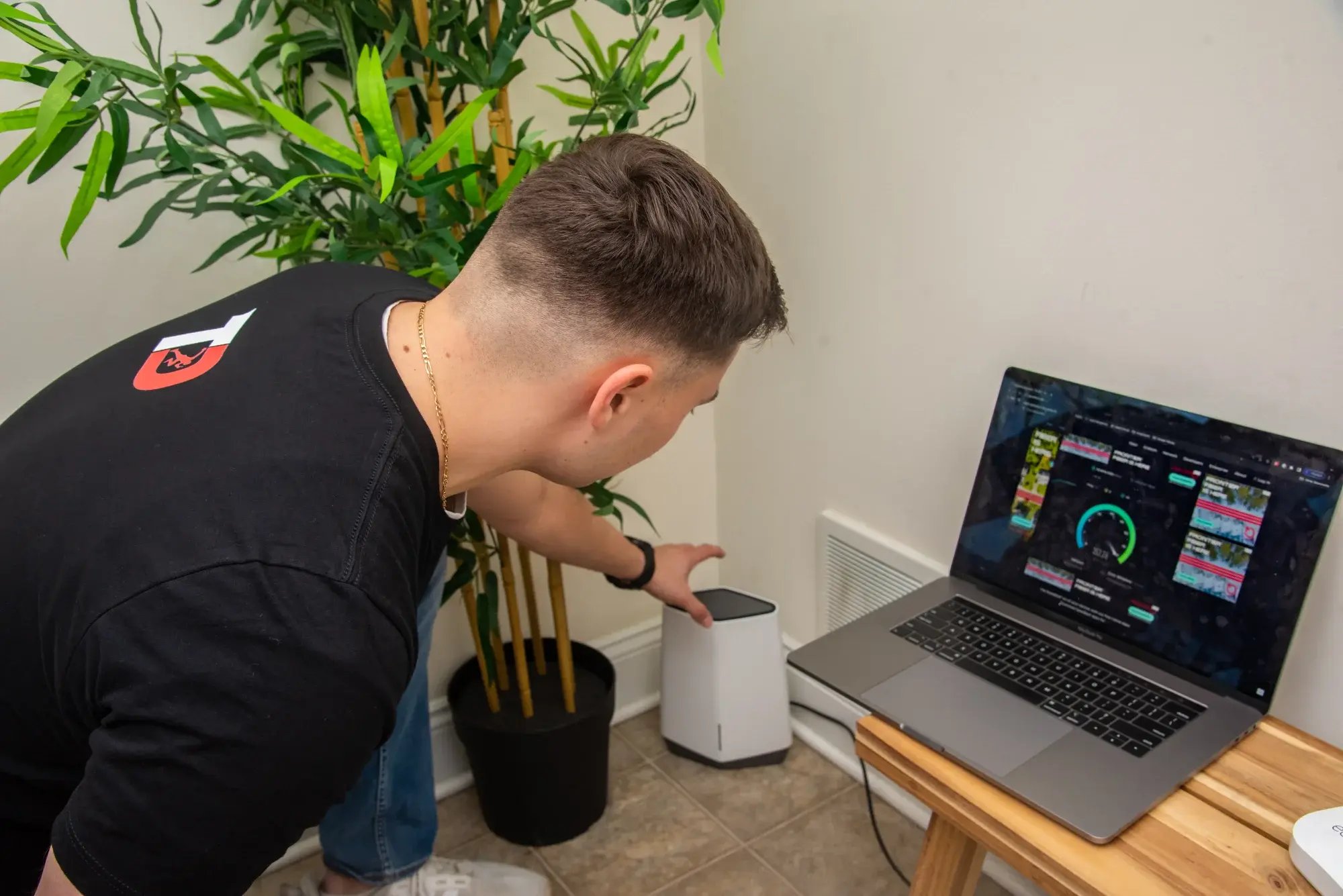
Our Phoenix WiFi Installation Promise
Before work begins, you receive a defined coverage and installation plan, scope, equipment responsibilities, and upfront quote. Our insured technicians protect the property, route backhaul cabling neatly, mount the agreed access points, and minimize disruption. Before handoff, included connections and coverage areas are reviewed with you.
Related Phoenix Installation Services
Build the wired foundation behind reliable WiFi with Ethernet cable installation, structured network cabling, low-voltage wiring, fiber backbone installation for high-capacity or multi-building backhaul, or view all Phoenix technology installation services.
Phoenix WiFi Access Point Installation FAQs
How much does WiFi access point installation cost in Phoenix?
Cost depends on the number of access points, building layout, Ethernet backhaul routes, PoE requirements, mounting access, equipment, and setup scope. A walkthrough lets TekDash provide a project-specific quote.
Where should WiFi access points be installed?
Placement depends on the floor plan, wall materials, device density, coverage goals, interference, and where Ethernet backhaul can be routed. Access points generally perform best in open, elevated locations near the areas they serve.
Do WiFi access points need Ethernet cabling?
Professionally installed access points commonly use wired Ethernet backhaul for dependable performance. Many compatible models also use power over Ethernet, allowing data and power to share one cable.
Can you improve WiFi coverage in an existing building?
Yes. We review current dead zones, equipment, pathways, and mounting options, then plan access point locations and backhaul routes around the existing property.
How many WiFi access points does my property need?
The number depends on square footage, floor count, wall construction, device density, usage, and coverage expectations. A walkthrough provides better guidance than square footage alone.
Can WiFi access points be mounted on ceilings or walls?
Many access points are designed for ceiling or wall mounting. The selected location must support the equipment, coverage pattern, cable route, and appearance requirements of the space.
Do you install WiFi access points for both homes and businesses?
Yes. TekDash plans and installs compatible access points and Ethernet backhaul for Phoenix homes, offices, retail spaces, clinics, warehouses, and other properties.
How do you verify WiFi coverage after installation?
We confirm that the installed access points are connected and review coverage in the agreed areas. Final performance also depends on internet service, network equipment, interference, and client devices.
What is included in wireless network installation in Phoenix?
A Phoenix wireless network installation can include access point placement planning, Ethernet backhaul or PoE cabling, compatible AP mounting, connection to existing network equipment, guest-network planning when applicable, and coverage validation in the agreed areas. TekDash scopes the wireless work separately from structured cabling, Ethernet wall jacks, and low-voltage device wiring when those are larger parts of the project.